 Focus Arena
Add to Chrome
Focus Arena
Add to Chrome
Block distracting sites.
Peep grows while you focus.
Add to Chrome — it’s free No account neededHow it works
-
01
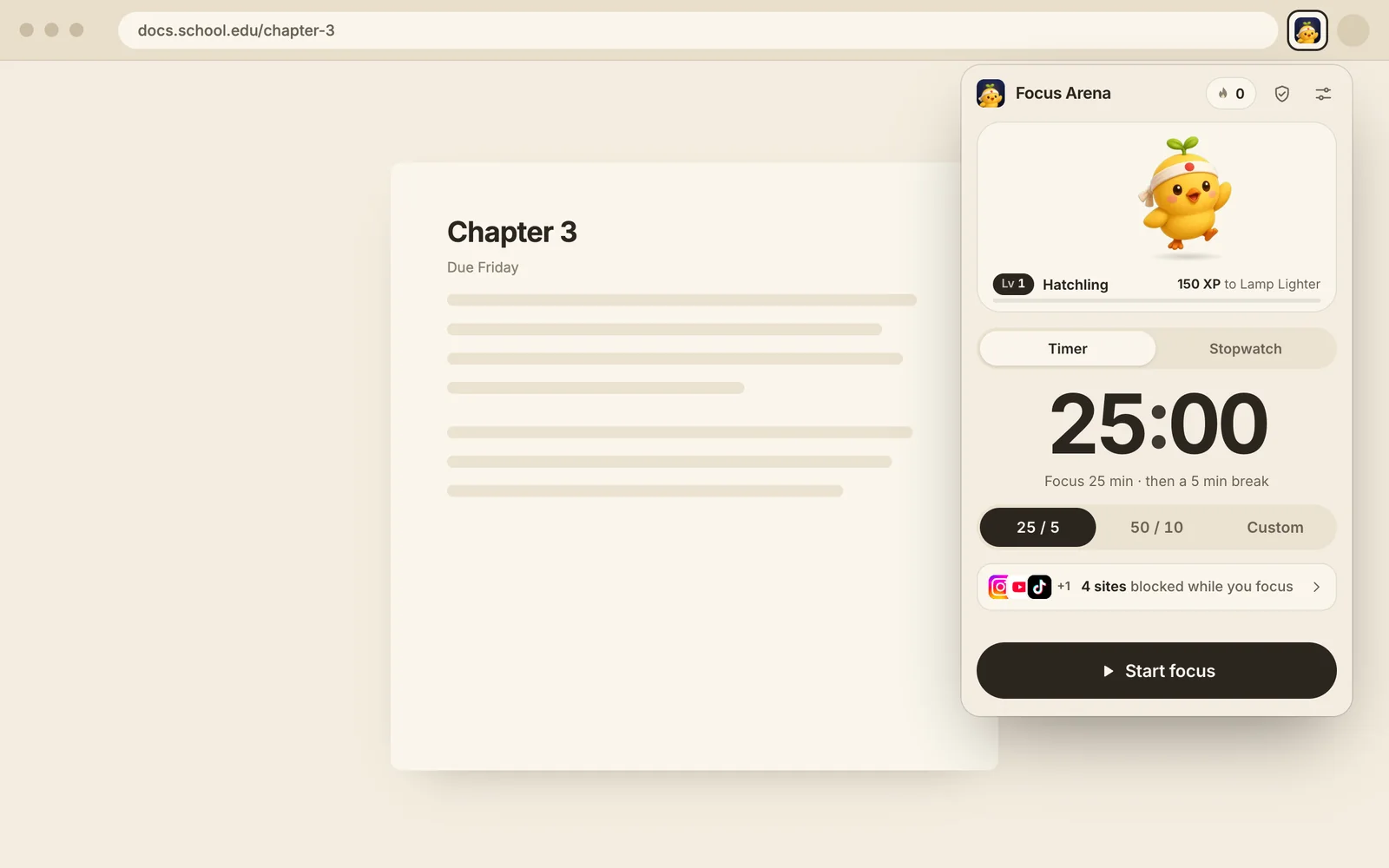
Pick a timer.
25 and 5, 50 and 10, your own length, or a stopwatch.
-
02
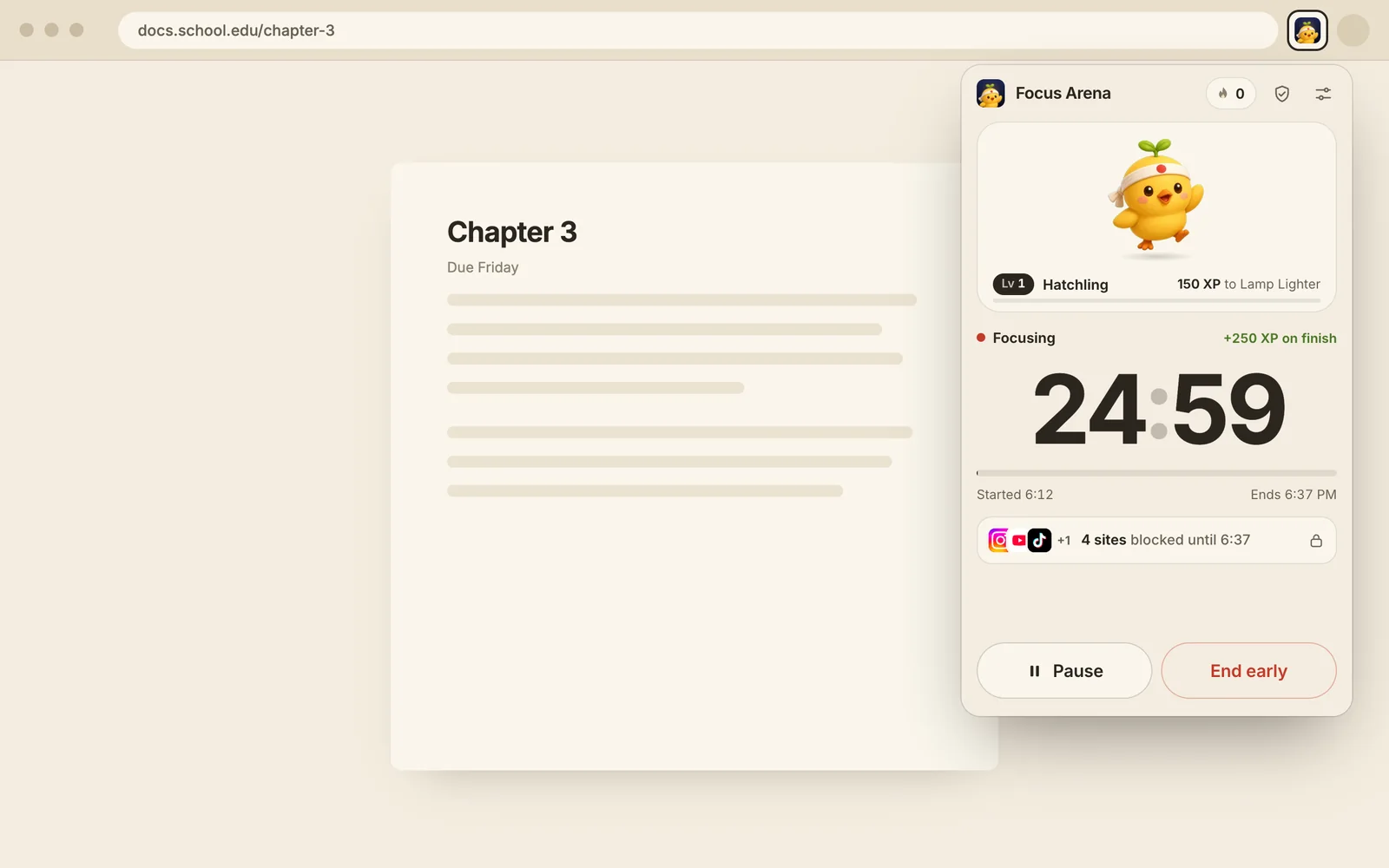
Start. Sites lock.
Instagram, YouTube, TikTok, whatever pulls you away. They stay blocked until the timer ends.
-
03
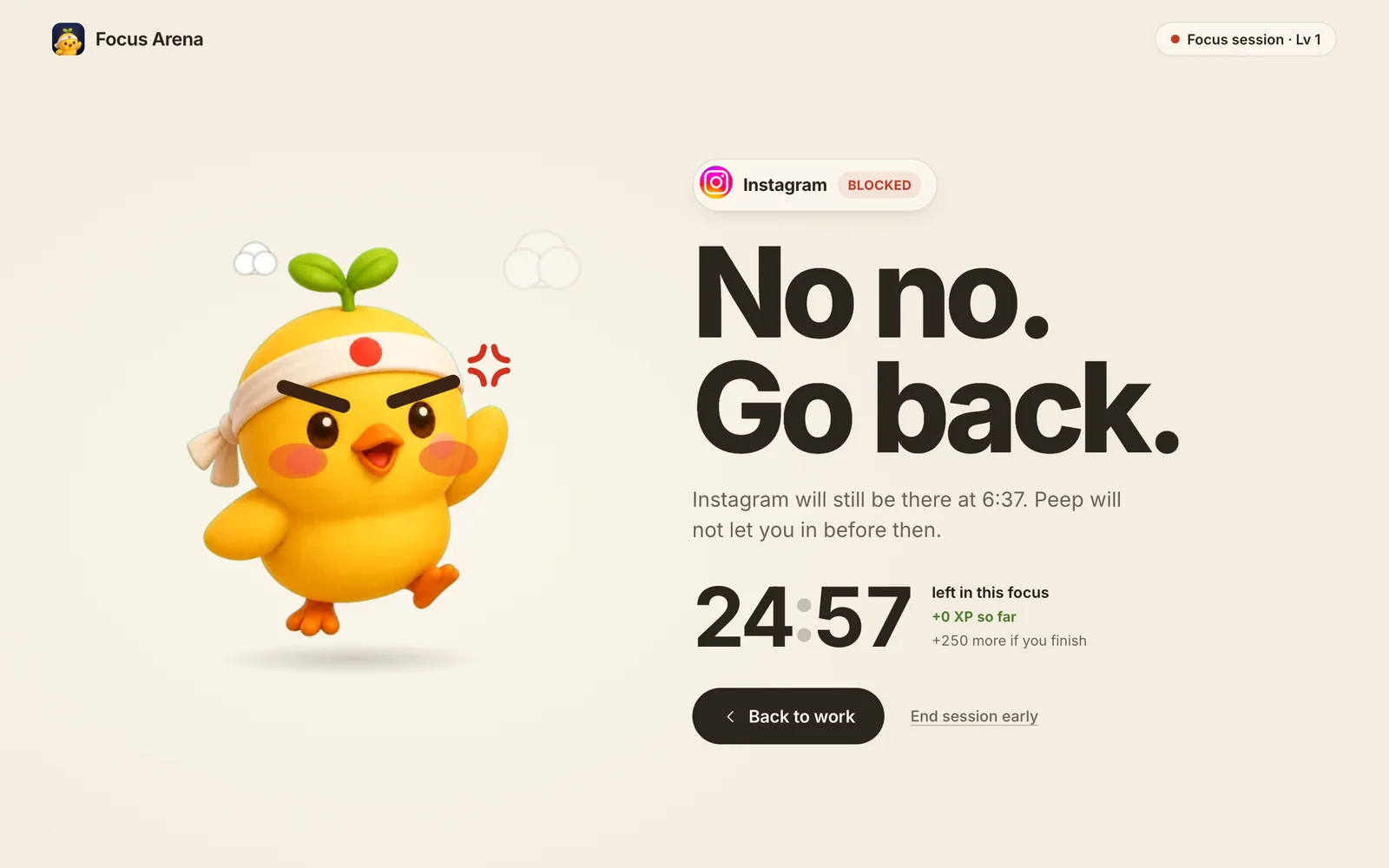
Try to cheat. Peep says no.
Open a blocked site and Peep stops you, very annoyed. Finish the session and he grows.
Meet Peep.
Every focused minute helps him grow.
 Chick
Chick Fledgling
 Rooster
Questions
Is Focus Arena free?
Yes. It’s free, with no ads and no account needed.
Who is it for?
Anyone who finds it hard to focus. Students, people with ADHD, autistic people, remote workers, writers, and anyone who loses an afternoon to scrolling. It takes one click to start, and the rules are the same every time, so there’s nothing to decide or remember.
How does the blocking work?
When a focus session starts, the sites you chose are blocked. If you open one, Peep shows up with a “No no. Go back.” page instead. When the timer ends, the sites open normally again.
What if I really need to open a blocked site?
You can end the session early from the popup or from the blocked page. It’s your choice. Focus Arena just makes you stop and think first.
Which timers are there?
25 minutes of focus and 5 off, 50 and 10, or custom lengths you set yourself. There’s also a stopwatch that counts up with no fixed end.
What is Peep?
Peep is a chick who lives in the extension. Every focused minute earns XP, and Peep grows from a chick into a fledgling and then a rooster. Peep also gets very annoyed if you visit a blocked site.
Why does Chrome ask to read and change sites?
Chrome asks this whenever an extension blocks a website. Click Allow, and pin Focus Arena to your toolbar so it’s one click away. A session only starts after you allow it. Focus Arena only uses this access to send the sites you picked to Peep’s page during a session. The details are in the privacy policy.
Which browsers does it work in?
Focus Arena is made for Google Chrome. Other Chromium-based browsers like Edge and Brave can usually install it from the Chrome Web Store too.